
Connect Commbots with the tools your team already uses
Connect customer conversations from WhatsApp, web chat and social channels with your CRM, ERP, e-commerce and customer-support platforms. Commbots helps your team transfer customer details, conversation context, leads, orders and support requests between your existing business systems through managed, configurable integrations.
Connect leads, contacts, deals and customer activity.
Transfer customer, opportunity and operational data.
Connect conversations with orders and support tickets.
Integrate with internal systems through APIs and webhooks.
Integration coverage
Explore Integrations
Select a CRM, ERP, commerce, help desk or custom connection to see capabilities and popular use cases.
Salesforce
Connect Commbots conversations with your Salesforce sales and customer-service workflows.
Capabilities
Popular use cases
Capture WhatsApp leads
Create or update a Salesforce lead when a customer shares their details through Commbots.
Create customer-service cases
Open a Salesforce case when a conversation requires support-team escalation.
Record customer activity
Attach conversation summaries and follow-up tasks to the appropriate Salesforce record.
How it works
Customer messages on WhatsApp
Commbots captures details
Salesforce record created or updated
Team continues in CRM
How Commbots integrations work
- 1
Integration setup by our team
Provide authorized API credentials or approve access to the selected system. Our team configures the managed integration with you.
- 2
Choose what to synchronize
Select the records, events and fields required for configurable synchronization.
- 3
Configure the workflow
Define when information should be created, updated or transferred.
- 4
Monitor the integration
Track successful synchronizations, errors and workflow activity.
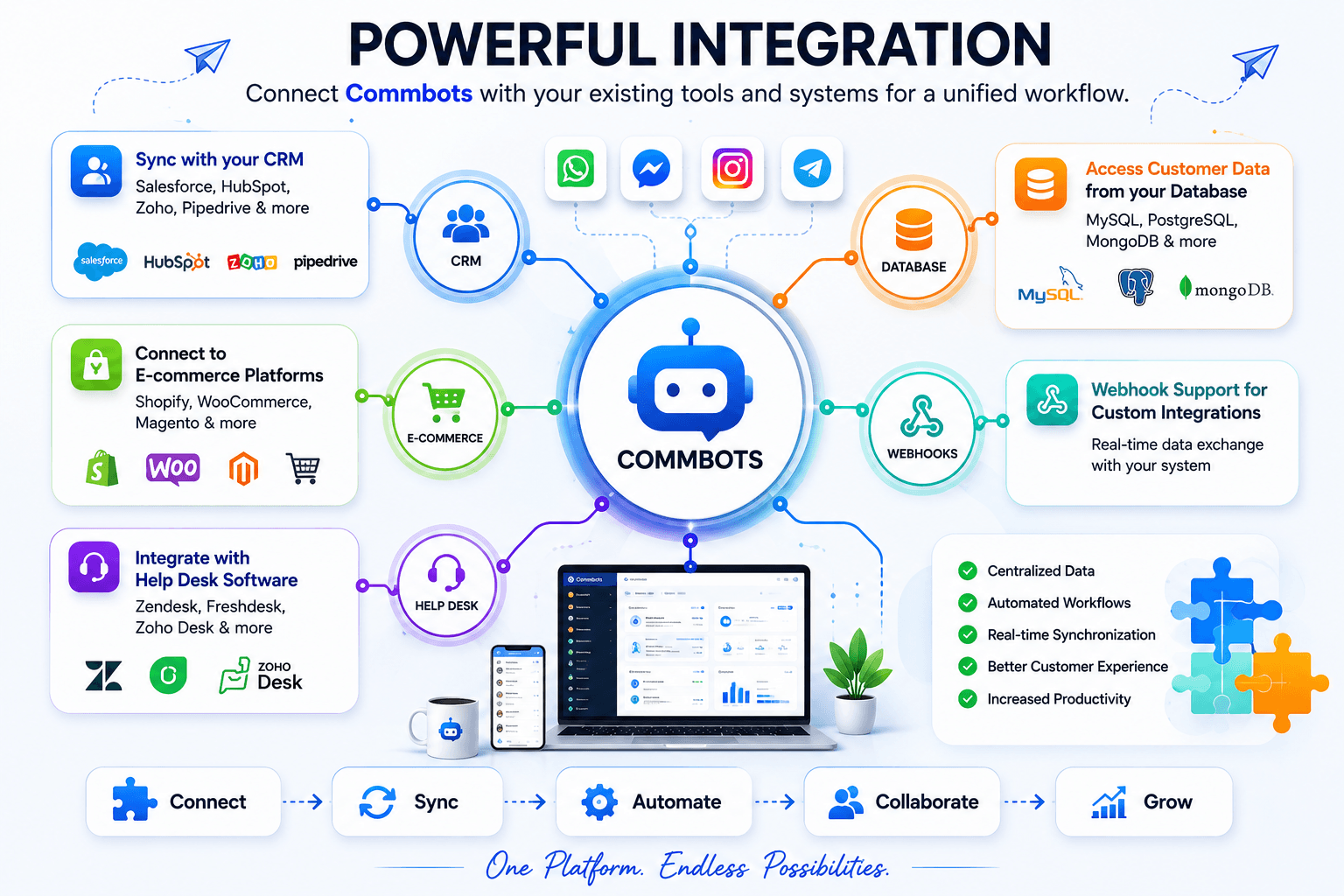
One platform, connected workflows
Commbots brings customer conversations and business processes together through managed integrations and configurable synchronization.
- Managed integration for supported platforms
- Integration setup by our team
- Configurable synchronization
- Field mapping based on your business requirements
- Duplicate-prevention and record-matching options
- Custom API and webhook support available on request
- Subject to API availability and permissions
- Workflow logging and error handling
Need another integration?
Additional business applications are available on request through managed integrations and custom workflows. Enterprise platforms such as SAP, Oracle NetSuite and Microsoft Dynamics 365 may be supported as custom projects. Subject to API availability and permissions, including product version, authentication requirements and required data flows.
Contact our teamPopular WhatsApp integrations
See how Commbots connects WhatsApp conversations with the CRM and ERP tools your team already uses.
Ready to connect your business tools?
Talk to our team about connecting Commbots with your CRM, ERP, e-commerce platform, help desk or internal system.